BUILT FOR YOUR WORDPRESS WORKFLOW
Alharthiweb 3D Product Viewer
Let visitors rotate and zoom a real 3D model. Start with a Free shortcode viewer; add a supported WooCommerce product gallery with Pro.
Start with Free. Explore Pro when you need more.
FEATURES
Less setup. More useful work.
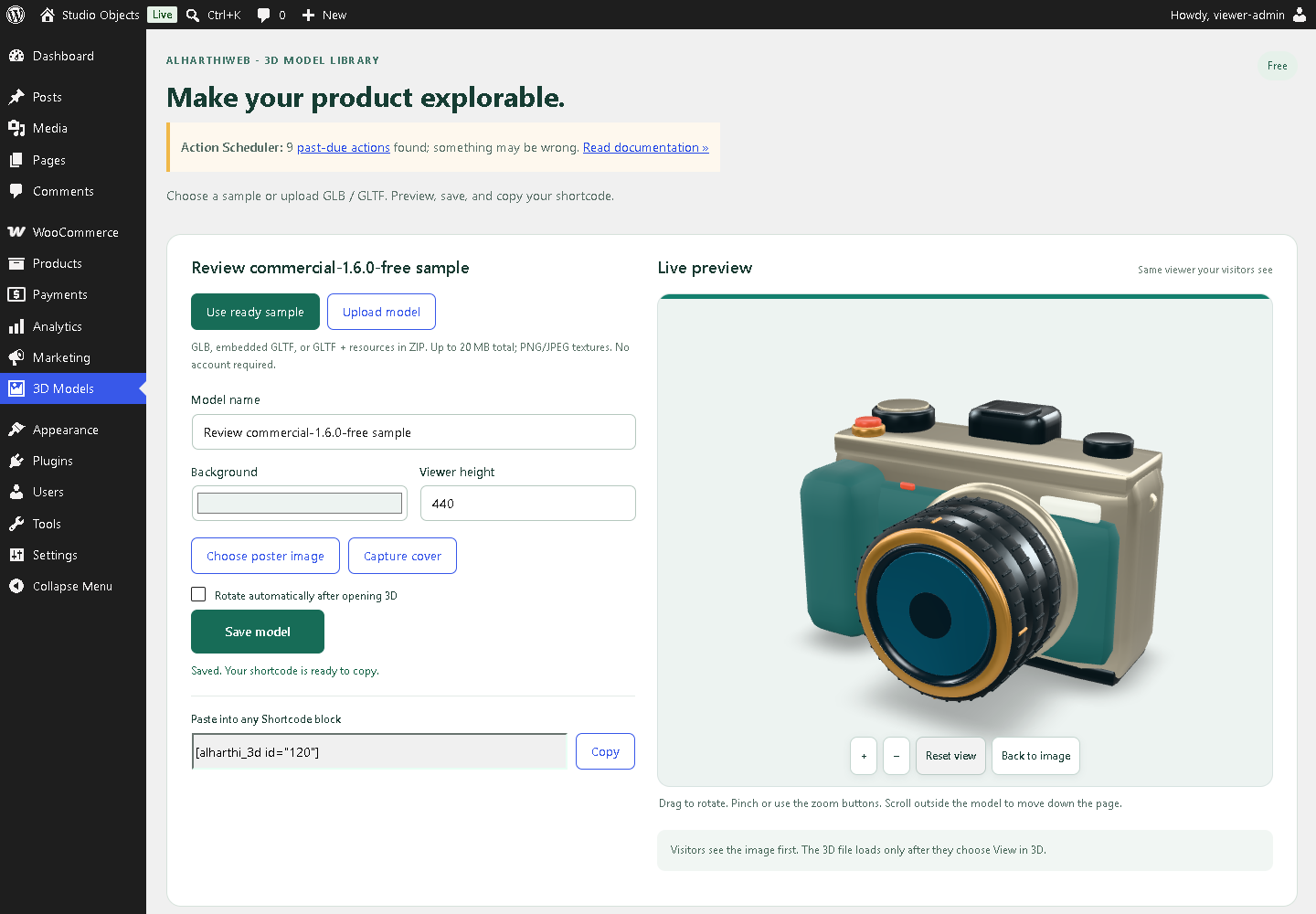
Free: saved GLB/GLTF models and reusable shortcodes, with no plugin-imposed model count limit.
Local sample and immediate preview: try before preparing a custom model.
Poster first: visitors choose View in 3D before the model loads.
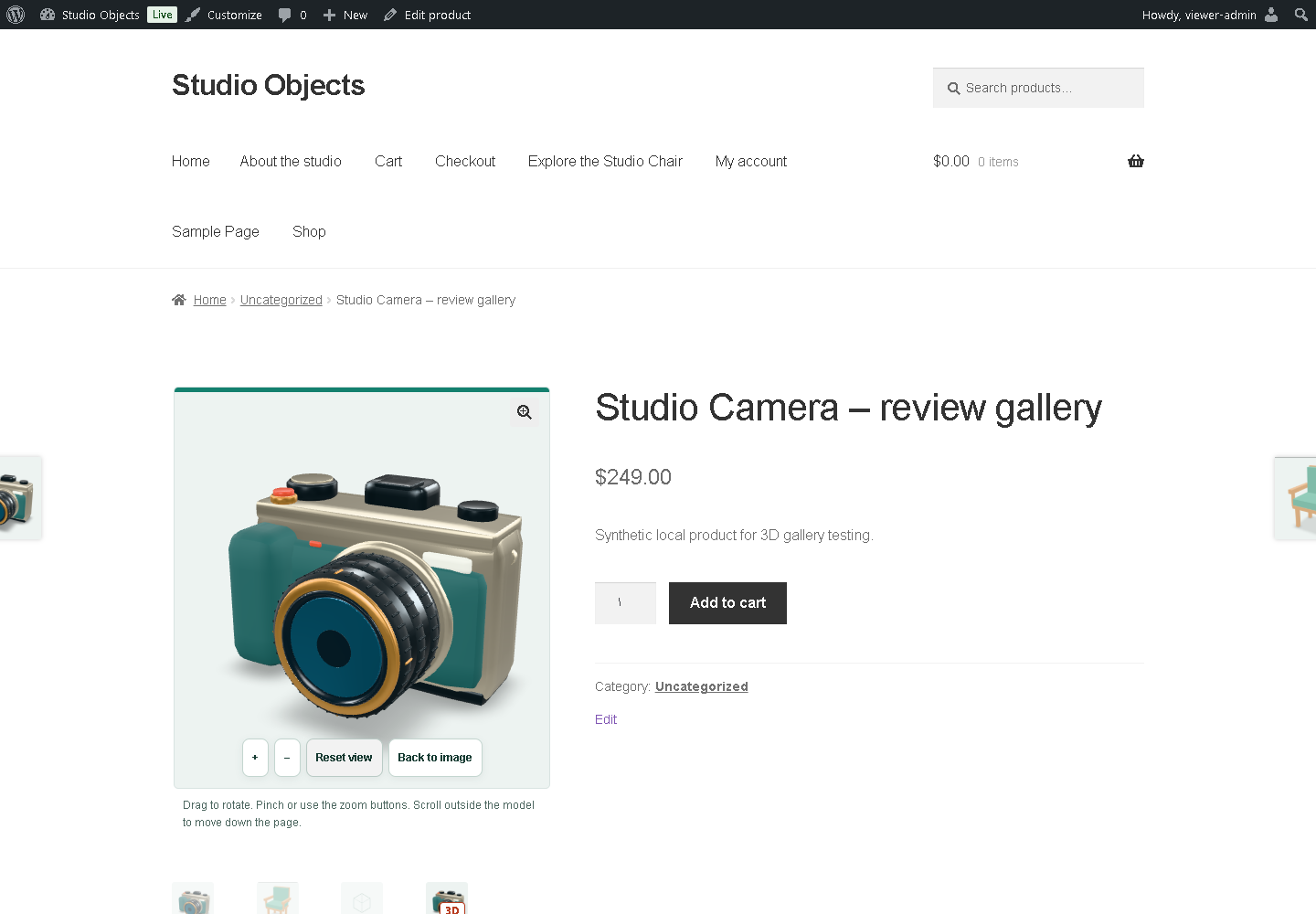
Pro: first, second or last position in a supported classic WooCommerce gallery.
Pro: optional 3D thumbnail badge, badge color, camera presets and loading mode.
SCREENSHOTS
A closer look at the real plugin.
FREE / PRO
Choose what your workflow needs.
| Feature | Free | Pro |
|---|---|---|
| Saved models, shortcodes, rotate and zoom | Included; no model count quota | Included |
| Local sample, poster and basic appearance | Included | Included |
| Classic WooCommerce product gallery | Not included | First, second or last position |
| 3D thumbnail badge and advanced camera controls | Not included | Included |
Let visitors explore the object, not just its photograph
Display an existing GLB or GLTF model in WordPress with a reusable shortcode. Visitors first see a lightweight poster, then choose View in 3D to rotate or zoom. Free works without WooCommerce and has no plugin-imposed model count limit.
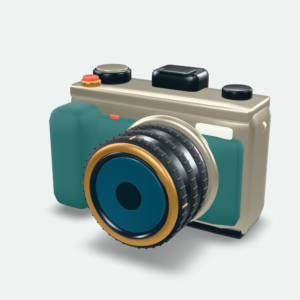
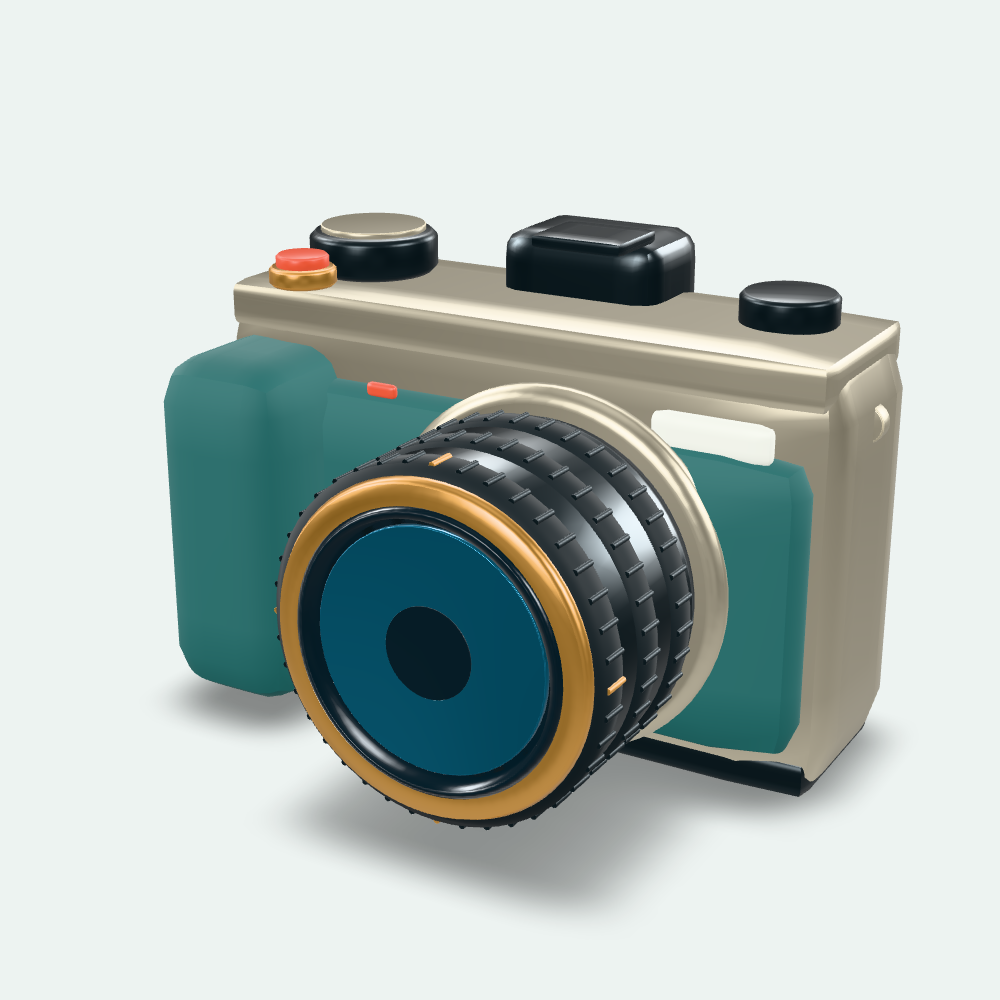
Start with the included Studio Camera sample, preview it, save and copy the shortcode. The sample is an illustrative local asset; it is not a real camera offered for sale. Replace it with a model and poster you have the right to publish.
Bring 3D into a product gallery with Pro
Add 3D beside the product image or gallery controls in the product editor. Choose first, second or last placement, show or hide the 3D thumbnail badge and choose its color. Keep normal product images for the catalog, cart and sharing.
Choose when the model loads
Click-to-load keeps the model and viewer out of the initial product interaction. Pro also offers an explicit immediate-interaction setting. Optimize your model and test on your target phones; a large 3D asset still consumes bandwidth and graphics resources.
Annual Pro plans
USD 29 for one site, USD 69 for five sites or USD 99 for ten sites, billed annually. Every plan contains the same Pro features. Renewal uses the same listed price. Each year includes support and access to updates released during that year; this does not promise future development.
Read how to add a 3D model to WordPress and a WooCommerce gallery for the complete starting workflow and compatibility checks.
COMMON QUESTIONS
A few things worth knowing.
Can it turn a photograph into 3D?
No. It displays existing glTF 2.0 models. JPG and PNG are posters or textures, not 3D models.
Which files can I import?
GLB, GLTF with embedded resources, or a ZIP with one GLTF and local BIN/PNG/JPEG resources. Supported imports are normalized to GLB locally. External resources and some compressed extensions are rejected.
Does every WooCommerce gallery work?
The classic Storefront gallery was tested. Custom galleries, Blocks and Elementor Theme Builder galleries require separate compatibility testing; universal support is not claimed.
What happens when I change editions?
Saved records, settings and ordinary product images are retained. Free does not render Pro gallery placements. Existing Pro rendering is preserved when authoring entitlement ends; creating or editing paid features requires the appropriate entitlement.
Do I need a cloud account for Free?
No. The standalone Free workflow works without connecting an account. The optional Freemius connection and licensing are disclosed separately.
PLUGIN DETAILS
Version and compatibility
- Version
- 1.6.0
- WordPress minimum
- 6.6
- Tested with WordPress
- 7.1
- PHP minimum
- 8.0
- WooCommerce minimum
- Only for Pro product-gallery integration
Changelog
1.6.0 · 2026-11-07
Adds Pro thumbnail badge controls and first/second/last placement. Free contains readable JavaScript source and excludes paid implementation.