BUILT FOR YOUR WORDPRESS WORKFLOW
Barcode Labels for WooCommerce
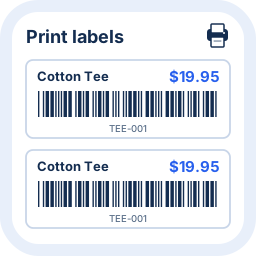
Print professional barcode labels directly from WordPress. Preview your labels, choose your copies and print from your WooCommerce store.
Start with Free. Explore Pro when you need more.
VIDEO DEMO
See the workflow. Then make it yours.
Watch a practical demonstration of the plugin before you install.
Watch the demonstration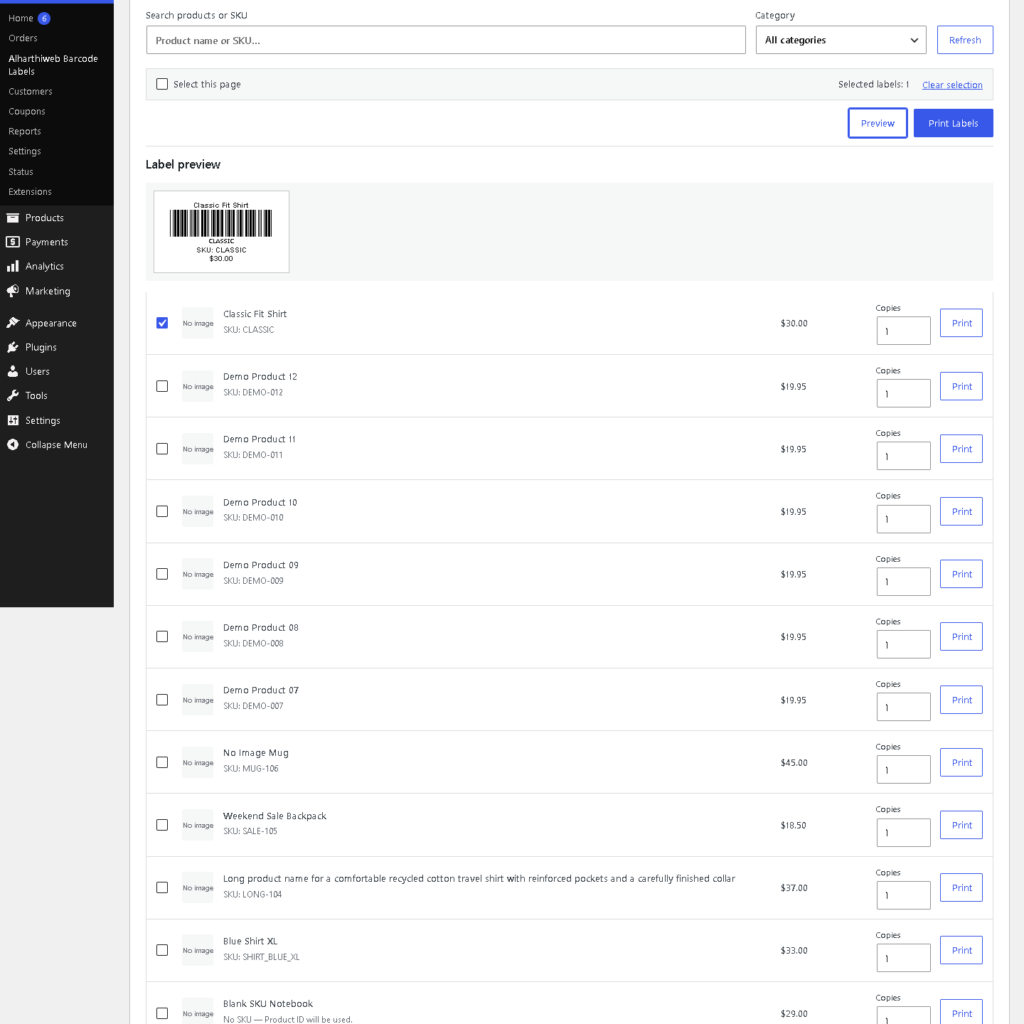
FEATURES
Less setup. More useful work.
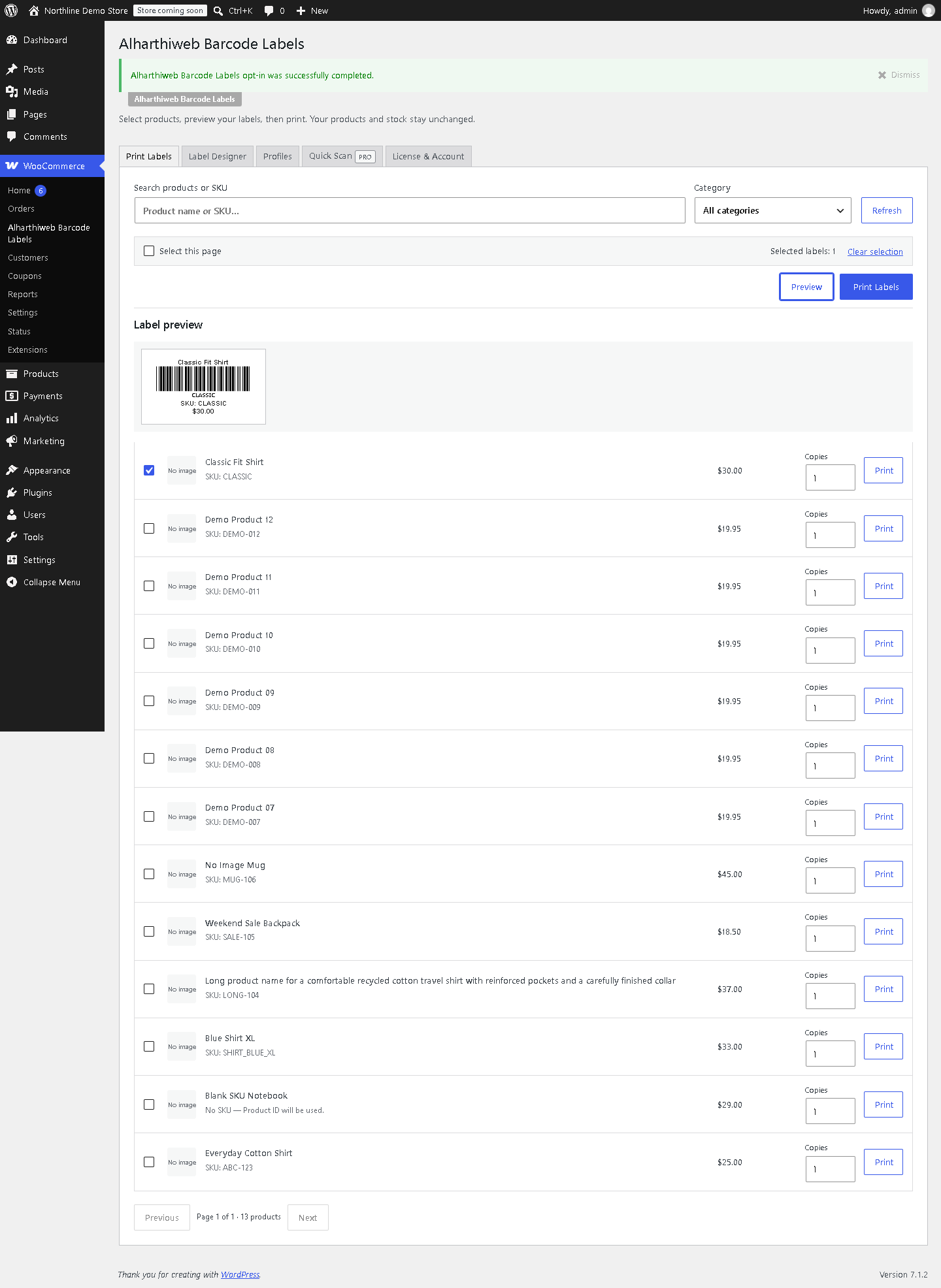
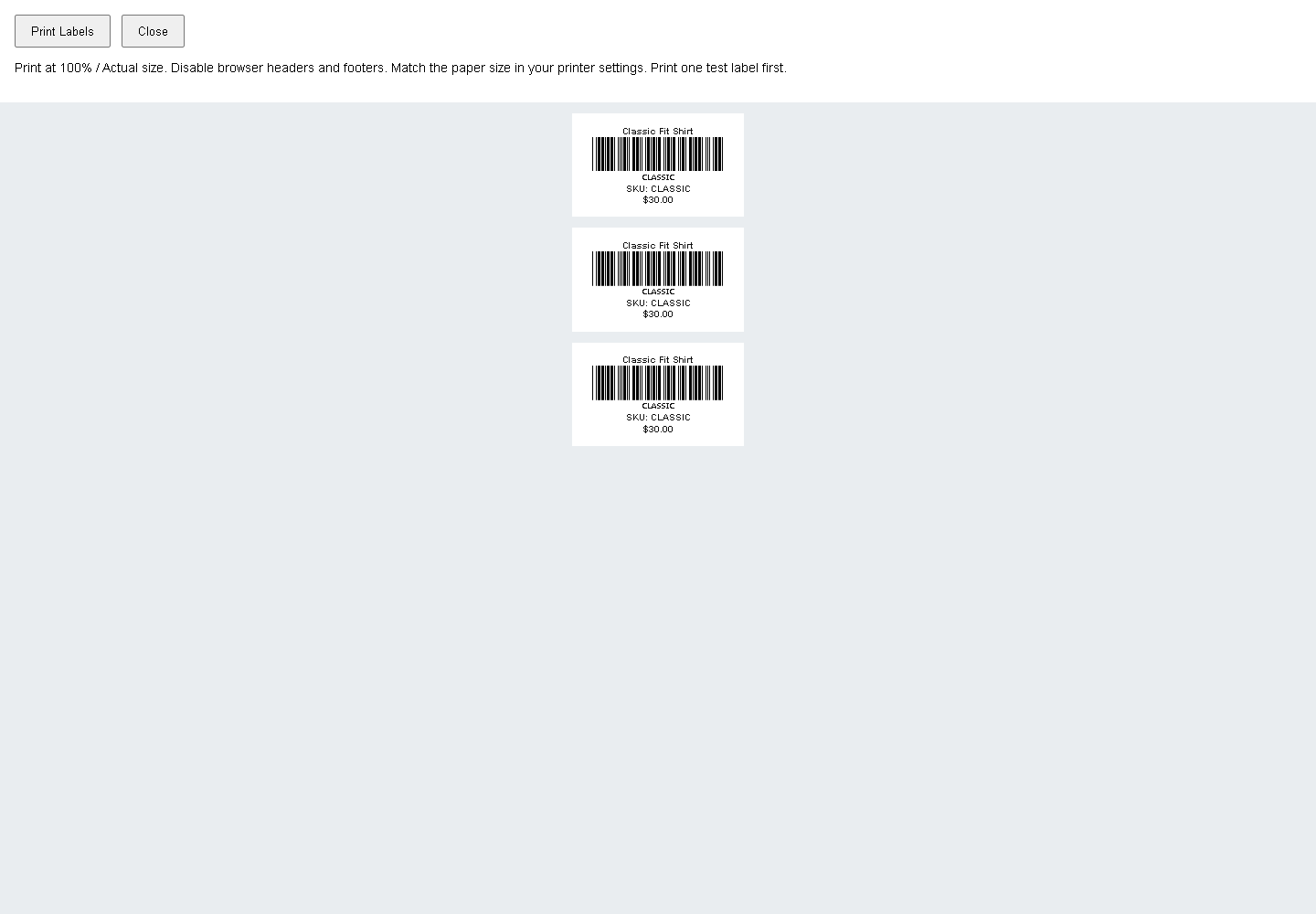
Preview before you print
Check your product label in the Free edition before opening the print view.
Choose your copies
Set the number of labels you need and print from your browser.
Code 128, with Pro
Preview and print Code 128 product labels in the licensed Pro edition.
Keep your saved setup
Your saved settings and Unicode profiles stay in place when you deactivate and reactivate your license.
SCREENSHOTS
A closer look at the real plugin.
FREE / PRO
Choose what your workflow needs.
| Feature | Free | Pro |
|---|---|---|
| Label preview and browser printing | Included | Included |
| Selected products and copy quantities | Included | Included |
| Built-in sizes and price visibility | Included | Included |
| Code 128 label preview and printing | — | Included |
| Saved custom printer designs | — | Included |
| Saved settings through license reactivation | — | Preserved |
Start with Free. Add Pro when you need it.
Free includes label previews, product selection, copy quantities and browser printing. Pro adds Code 128 labels and saved custom printer designs.
Check the current annual plan and purchase terms on Freemius.
COMMON QUESTIONS
A few things worth knowing.
How do I install the plugin?
In WordPress, open Plugins → Add New and search for Alharthiweb Barcode Labels. Install and activate it with WooCommerce active, then open WooCommerce → Alharthiweb Barcode Labels.
What does my site need?
WordPress 6.4 or later, PHP 7.4 or later, and WooCommerce 8.2 or later. Try the plugin in a staging store before using it in your daily workflow.
Can I preview a label before printing?
Yes. The Free edition provides a product label preview before printing.
Which edition supports Code 128 labels?
Pro adds Code 128 label preview and printing.
Will my settings survive license reactivation?
Saved settings and Unicode profiles are preserved through license deactivation and reactivation. Subscription expiry and cancellation behavior has not yet been verified.
Has the plugin been tested with physical printers?
The demonstrated workflow was checked in the browser and print output. Physical printers and universal hardware compatibility have not been tested.
How do I get the Pro edition?
Choose an annual plan for your number of sites through Freemius. Install the Premium ZIP from your purchase and activate the license from License & Account. Use one edition at a time.
How can I contact support?
Use the Alharthiweb contact page and include the plugin name and a short description of your question.
PLUGIN DETAILS
Version and compatibility
- Version
- 0.4.5
- WordPress minimum
- 6.4
- PHP minimum
- 7.4
- WooCommerce minimum
- 8.2
Changelog
0.4.5
Keeps label quantities and numeric settings in Western digits in Arabic browser locales while preserving numeric ranges, steps, saved settings, Arabic text and barcode identifiers.