BUILT FOR YOUR WORDPRESS WORKFLOW
Alharthiweb Admin Organizer
Give clients a clearer WordPress dashboard. Keep everyday menus within reach and group site tools under a useful name.
Start with Free. Explore Pro when you need more.
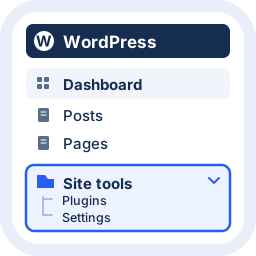
VIDEO DEMO
See the workflow. Then make it yours.
Watch a practical demonstration of the plugin before you install.
Watch the demonstration
FEATURES
Less setup. More useful work.
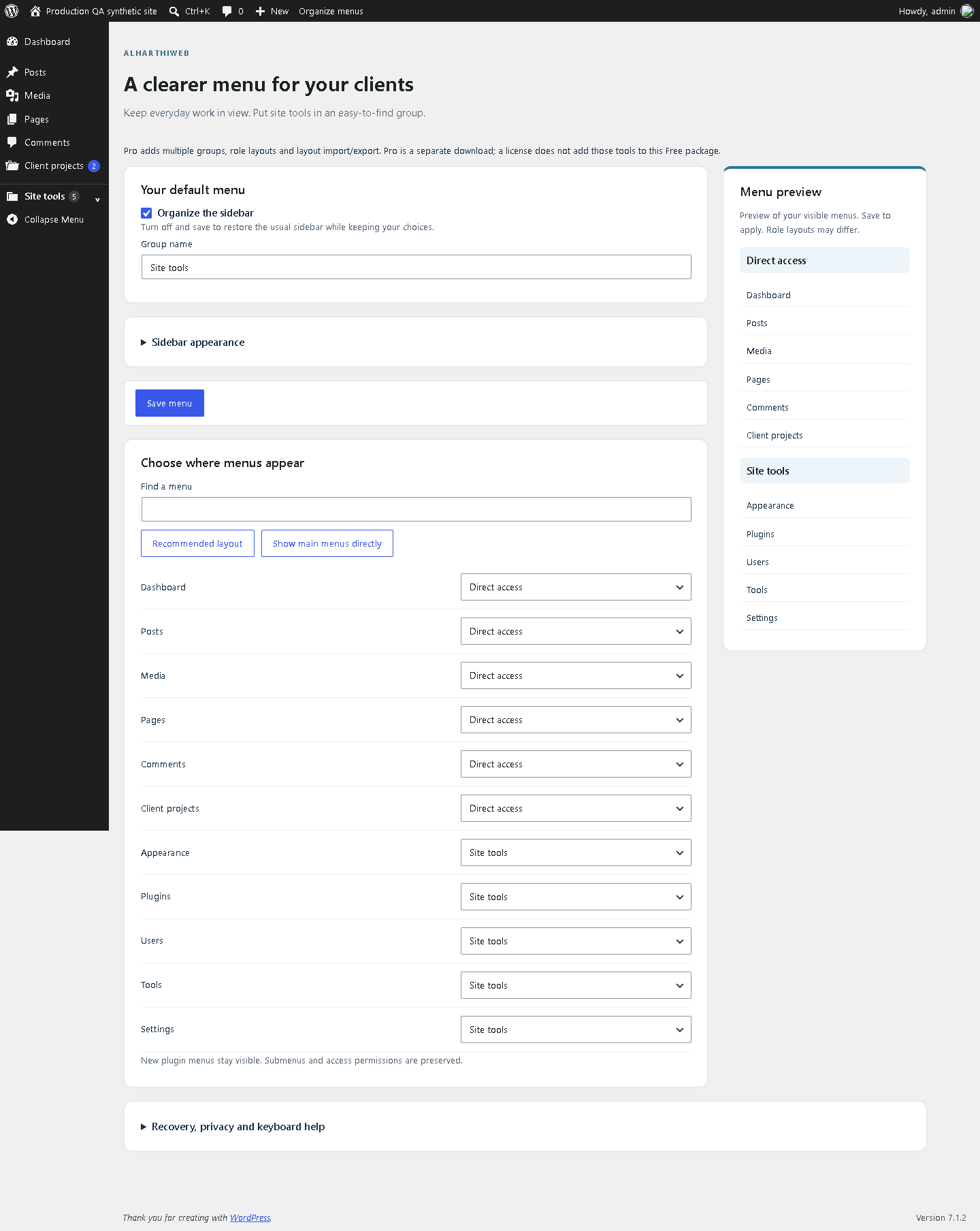
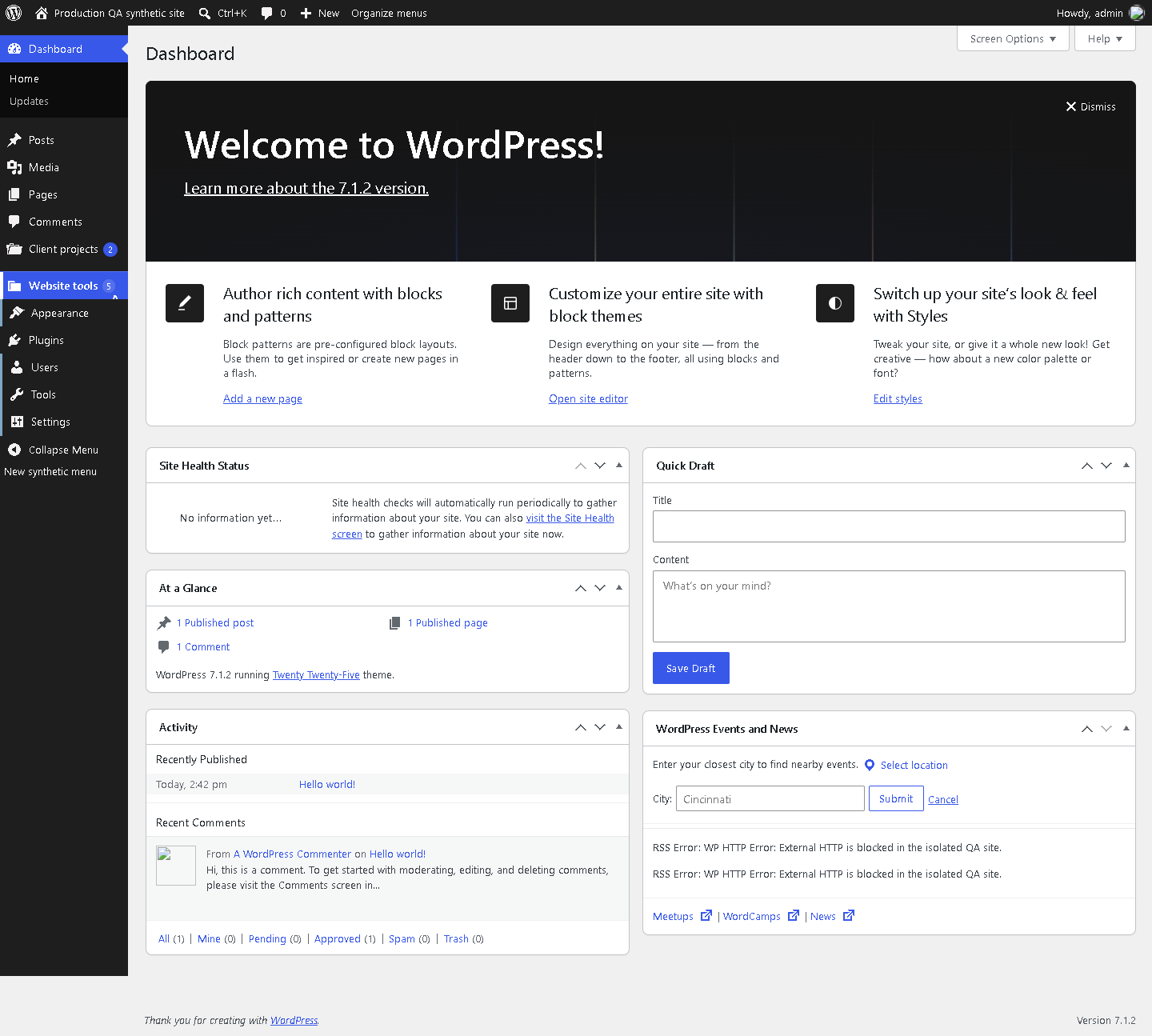
One useful group
Name a home for site tools while keeping everyday menus directly accessible.
Preview before saving
Search menus and inspect their placement in a live preview.
Keep familiar destinations
Preserve permitted submenu links, including registered store screens.
Keyboard-friendly navigation
Open groups from the keyboard; permitted links remain available without JavaScript.
Optional soft styling
Choose a lighter sidebar independently of your grouping choices.
Easy recovery
Restore native navigation while retaining your saved choices.
SCREENSHOTS
A closer look at the real plugin.
FREE / PRO
Choose what your workflow needs.
| Feature | Free | Pro |
|---|---|---|
| One group, direct placement and preview | Included | Separate edition |
| Multiple groups and role layouts | Not included | Additional tools; checkout not offered here |
| Layout import/export | Not included | Additional tools; separate package |
A calmer starting point for every handover
Alharthiweb Admin Organizer rearranges the WordPress admin sidebar so clients can find routine tasks without working through a long list of tools. Name one group in Free, choose which menus remain directly accessible, preview the arrangement and save it.
Use it for navigation and presentation. WordPress roles and capabilities still decide which screens each person can access. Grouping a menu does not secure or hide the underlying page.
Start with the Free edition
- Install the official Free plugin and keep only one edition active.
- Open Settings > Admin Organizer and name the group for your site tools.
- Keep frequent tasks directly accessible, review the preview and select Save menu.
- Try the saved layout with the intended user’s existing account before handing over the site.
For a walkthrough, read how to organize the WordPress admin menu for clients. The screenshots show the real interface on synthetic test sites; they are examples of layouts, not your site’s private dashboard.
Free and separate Pro tools
Free includes the one-group workflow below. Separate Pro tools add multiple groups, role layouts and layout import/export. Public checkout is not available on this page; no purchase is required to use Free.
COMMON QUESTIONS
A few things worth knowing.
Does this change user permissions?
No. It organizes navigation. Existing WordPress capabilities continue to control access to screens and actions.
How can I restore the usual menu?
Turn off Organize the sidebar and save, or deactivate the plugin. Your saved choices remain stored.
Do I need an account to use Free?
No. Free menu organization works without a third-party account. Skip the optional account connection if you do not want it.
Will it work with every admin menu?
Standard WordPress menus are supported. Test plugins that replace the sidebar or change its markup. The network administration menu is not rearranged.
What happens on an Arabic site?
The plugin interface uses English. Your custom group names and other plugins keep their existing language, with RTL support for navigation.
PLUGIN DETAILS
Version and compatibility
- Version
- 1.3.6
- WordPress minimum
- 6.4
- Tested with WordPress
- 7.1.4
- PHP minimum
- 7.4
Changelog
1.3.6
Public Free release: package artwork cleanup, WordPress translation loading improvements and preservation of updater callbacks. See the WordPress.org listing for the full history.